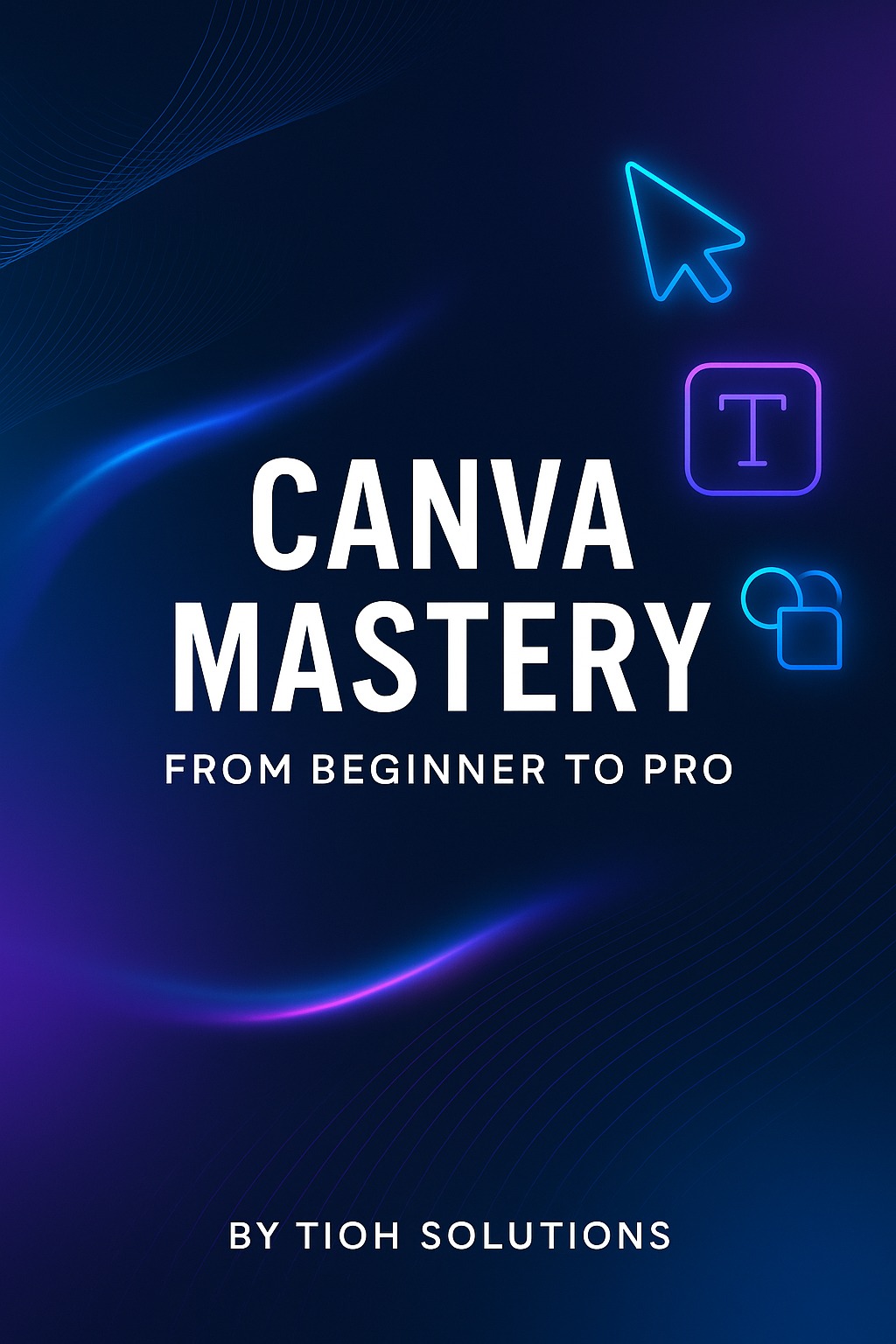
Ready to create eye-catching designs without any prior experience? Canva Mastery: From Beginner to Pro is a comprehensive training PDF that takes you through the entire journey of mastering Canva. In a friendly, easy-to-follow style, this guide covers everything from adopting a designer’s mindset to using Canva’s advanced tools. By the end, you’ll have the skills to design professional graphics for social media, print, presentations, and more – all on your own.
Who Is This For?
This resource is perfect for:
Complete beginners: No design background? No problem. The guide starts with the basics and builds your confidence step by step.
Entrepreneurs & Small Business Owners: Quickly create your own branding materials, social media posts, flyers, and presentations without hiring a designer.
Content Creators & Marketers: Elevate your visual content and stand out online with polished, professional-looking graphics.
Freelancers & Aspiring Designers: Learn Canva’s pro features and discover how to offer design services or sell templates as an additional income stream.
What You’ll Learn (Key Outcomes):
Design with Confidence: Understand core design principles and Canva basics so you can create graphics that communicate clearly and look professional.
Complete Canva Skillset: Master Canva’s tools – from using templates and editing photos to advanced features like animations, Brand Kits, and even new AI tools.
Real Projects & Portfolio: Build actual projects across various formats (social media carousels, printable flyers, presentations, eBooks) to showcase your skills in the real world.
Monetize Your Skills: Learn how to “sell Canva designs, attract clients, and build passive income” with your creations. Whether it’s freelance services or selling template packs, you’ll know the steps to start earning.
Professional Finishing Touches: Get the know-how to “export in the right formats, prepare files for print/web, and hand off designs professionally to clients”. You won’t just design for fun – you’ll design for keeps, like a true pro.
How It’s Structured (8 Easy Modules):
The content is broken down into eight clear sections so you can learn at your own pace and track your progress:
1. Introduction & Mindset: Understand what Canva is and adopt a pro-designer mindset from day one, creating your first polished design in minutes.
2. Getting Started: Set up your Canva account, Brand Hub, and workspace for smooth designing across desktop and phone.
3. Core Design Skills: Learn to use Canva’s templates, upload and edit media, work with elements, and master basics of typography & layout. By the end of this section, you’ll design your first social media post and carousel.
4. Advanced Techniques: Dive into branding, custom animations, AI design tools, and mockups to create pro-level designs that truly stand out.
5. Real-World Projects: Apply your skills to portfolio-ready projects in social media, print, presentations, and digital publications – a hands-on way to practice and grow.
6. Monetizing Canva Skills: Turn your design ability into income. This section teaches you how to sell templates, offer freelance design services, and generate passive income from your Canva skills.
7. Resources & Bonus Tips: Unlock hidden Canva shortcuts and free resources, and use a professional design checklist to ensure every project is top quality.
8. Exporting & Handoff: Learn to export your work in the proper formats and deliver projects to clients with a professional touch (ideal for freelancers or anyone preparing print/web files).
Each module includes a realistic time estimate and a clear goal, so you know exactly what you’ll achieve as you progress. Plus, you’ll find quick exercises, examples, and mini assignments throughout to reinforce your learning in a practical way.
Why You’ll Love This Guide:
Beginner-Friendly to Pro-Focused: The tone is friendly and jargon-free, making complex design concepts easy to grasp. You start with the fundamentals and gradually tackle advanced topics – no overwhelm, no fluff.
Hands-On Learning: This isn’t just theory. You’ll create designs from the get-go, with “quick confidence” exercises and real-world projects that build your portfolio as you learn.
Comprehensive Content: The guide covers everything you need – design principles, technical Canva skills, and even business aspects like client work and passive income. It’s like getting several courses in one package.
Up-to-Date & Practical: You’ll learn the latest Canva features (yes, even the new AI tools and Brand Hub) and practical shortcuts that save you time. We’ve also included checklists and resources used by pros, so you’re learning industry best practices.
Monetization & Beyond: Unlike typical design tutorials, Canva Mastery also helps you go further – showing you how to make money with your skills and deliver projects professionally. It’s not just about design; it’s about opportunity.
Ready to transform your design skills and boost your creative confidence? Grab your copy of Canva Mastery today and start your journey from beginner to pro. Dive in, have fun, and watch your ideas come to life. Let’s get you designing like a pro – we can’t wait to see what you create!